

Should you buy the Apple HomePod 2, or is it one of those products that only makes sense on paper? If you’re looking at this speaker, you’re probably weighing sound quality against Apple lock-in, and that’s the right way to look at it.
This is a speaker with clear strengths. You get strong bass, smart room tuning, useful home sensors, and one of the easiest setups in the business. You also get firm limits, because the best experience still depends on an iPhone and, in many cases, Apple Music.
If you want the practical answer, not the marketing version, keep going. You’re about to see how it sounds, where it works best, what it does well for the money, and who should walk away.
RELATED: Sony WF-1000XM6 Review (2026): Best What You’ll Notice Every Day?
Quick Review
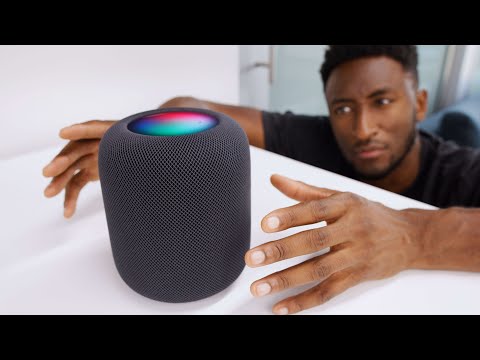
The Apple HomePod 2 is a polished home speaker that sounds bigger than it looks. Bass goes deep, room correction works fast, setup is easy, and stereo pairing turns it from “good” into “now we’re talking.”
The weak spots are easy to spot too. It doesn’t make much sense outside Apple’s ecosystem, it isn’t a normal Bluetooth speaker, and one unit is less impressive than a pair. Siri is fine for basic control, but the best voice-first music experience still leans hard on Apple Music.
If you use an iPhone, care about smart home features, and want a speaker that can grow into a stereo setup, you’ll probably like it.
Specifications
Here are the core specs that matter before you look at the finer points.
| Spec | Apple HomePod 2 |
|---|---|
| Current price | $299 |
| Dimensions | 16.8 cm tall, 14.2 cm diameter |
| Weight | 2.3 kg |
| Woofer | 4-inch high-excursion woofer |
| Tweeters | 5 beamforming tweeters |
| Microphones | 4 far-field microphones |
| Chips | S7 chip, U1 chip |
| Sensors | Temperature, humidity, sound recognition |
| Wireless | Wi-Fi, AirPlay 2, Bluetooth 5.0 |
| Audio features | Spatial Audio, Dolby Atmos, stereo pairing |
| Controls | Top touch controls, Siri, Apple Home app |
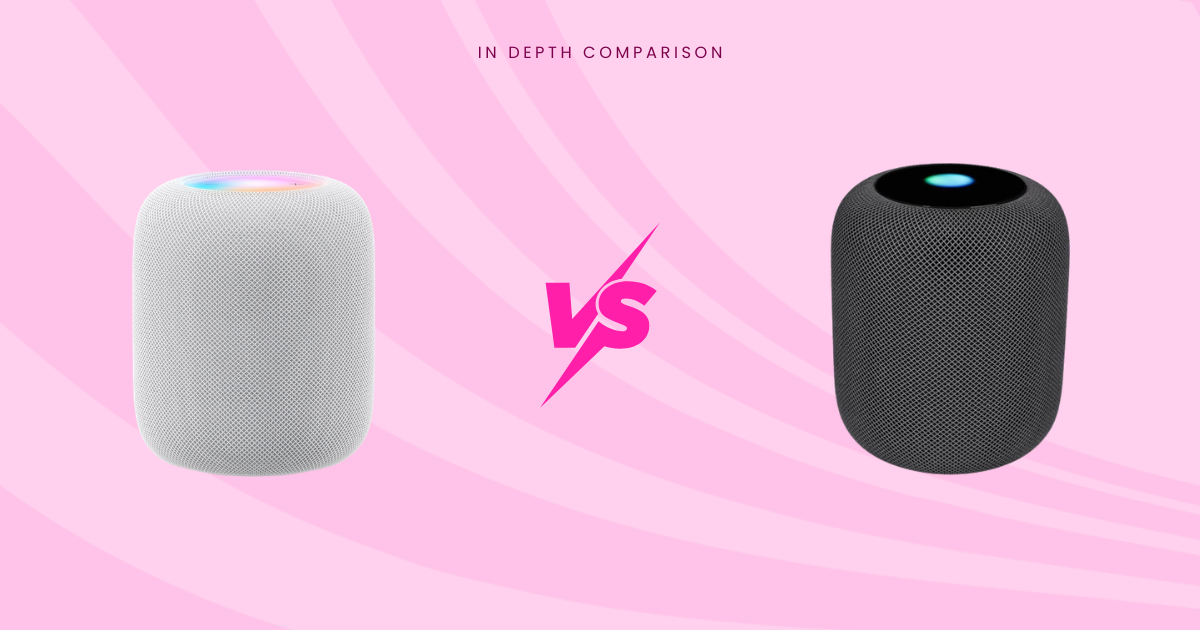
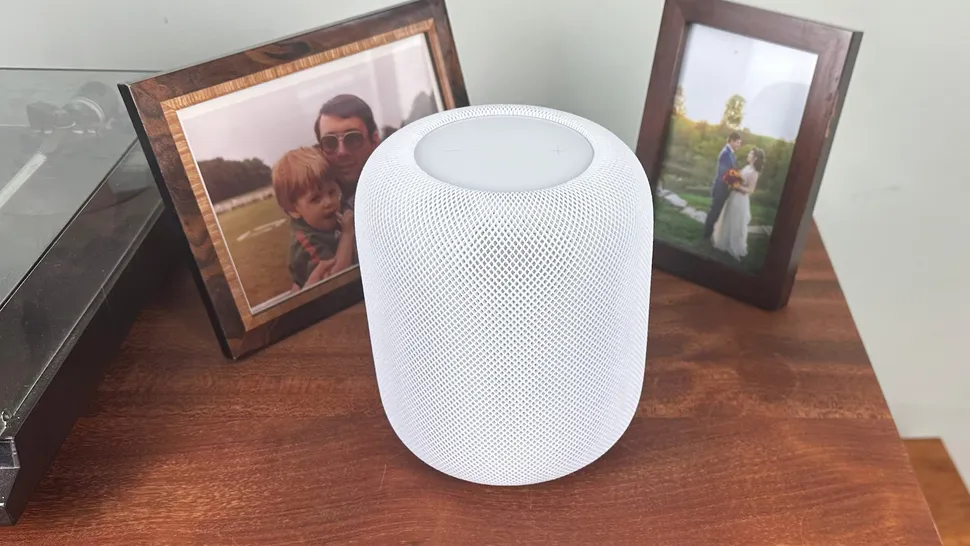
| Colors | White, Midnight |
The short version, it’s compact, dense, and packed with processing.
Quick Design, Build & Day Usability
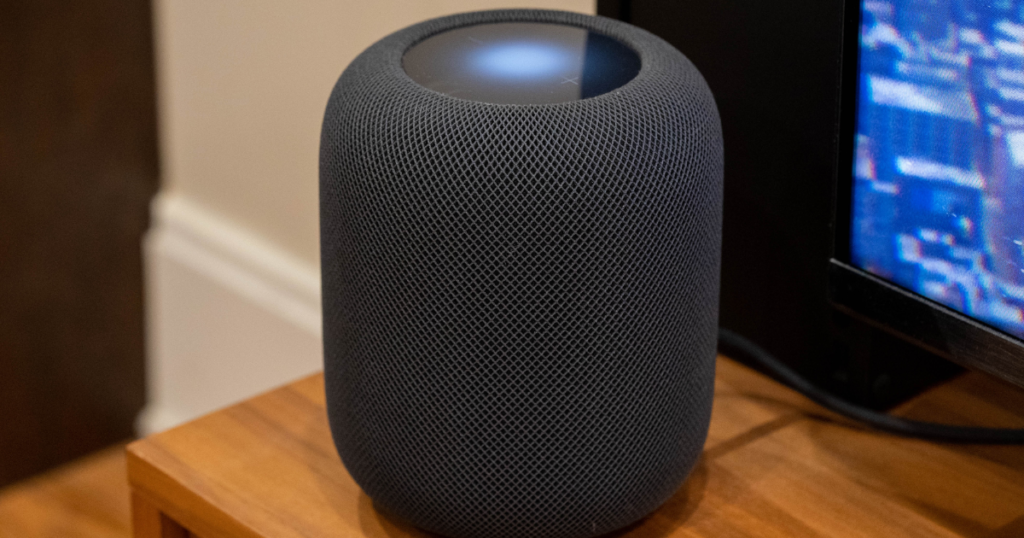
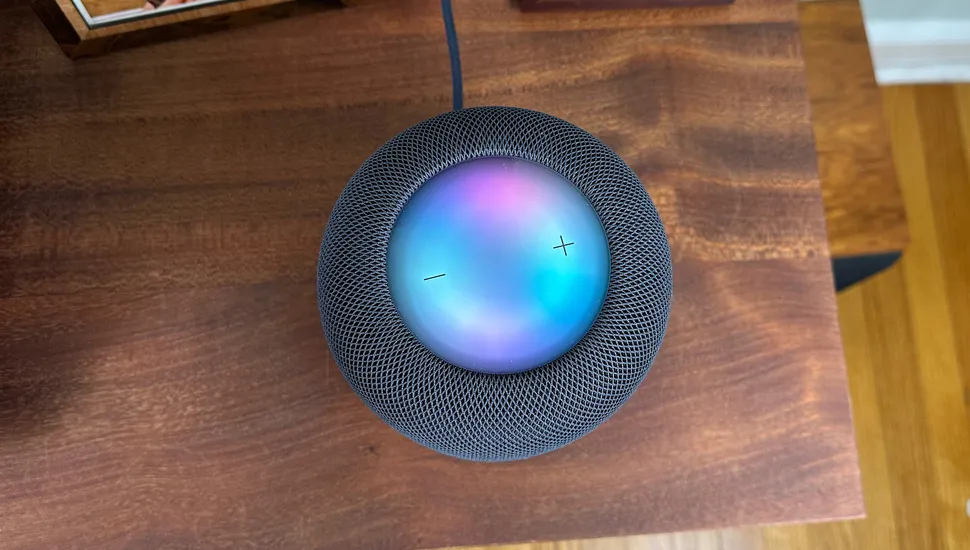
You can tell right away what Apple was going for. The HomePod 2 looks clean, dense, and expensive in a way that fits a shelf, kitchen counter, or TV stand without begging for attention. The mesh wrap still looks premium, and the glossy top touch area gives you quick volume and playback control when you don’t feel like talking.
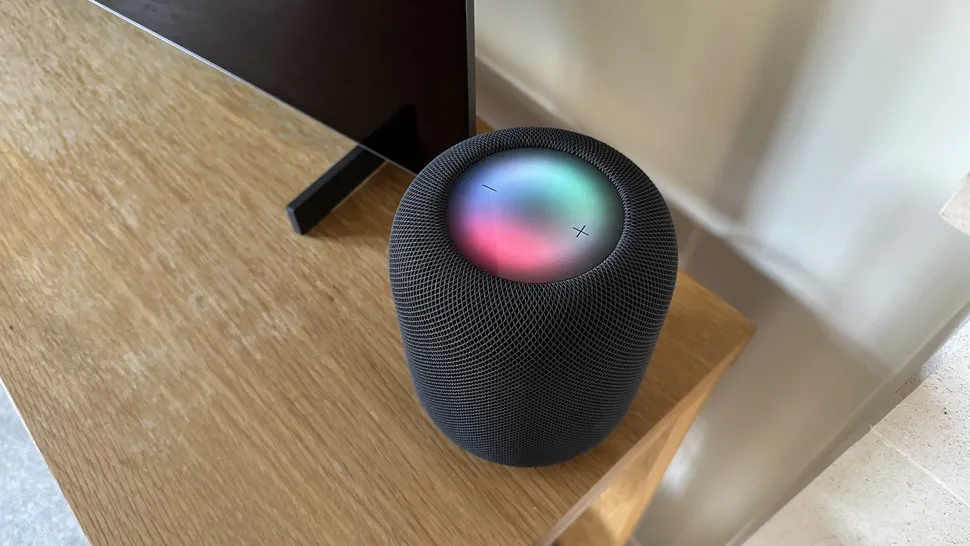
In daily use, the speaker is simple. Plug it in, hold your iPhone nearby, and setup is quick. That’s great if you live with Apple gear. If you don’t, it’s a brick wall, not a small inconvenience.
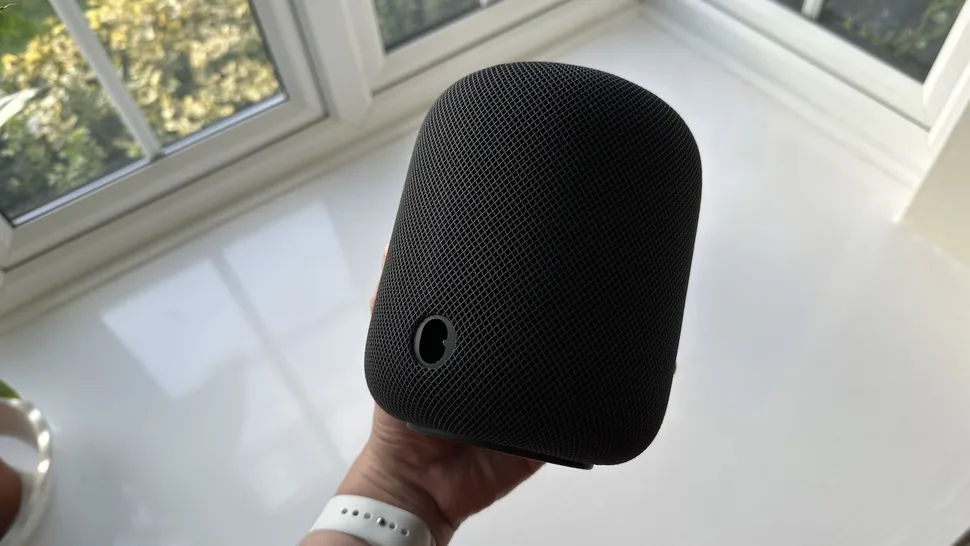
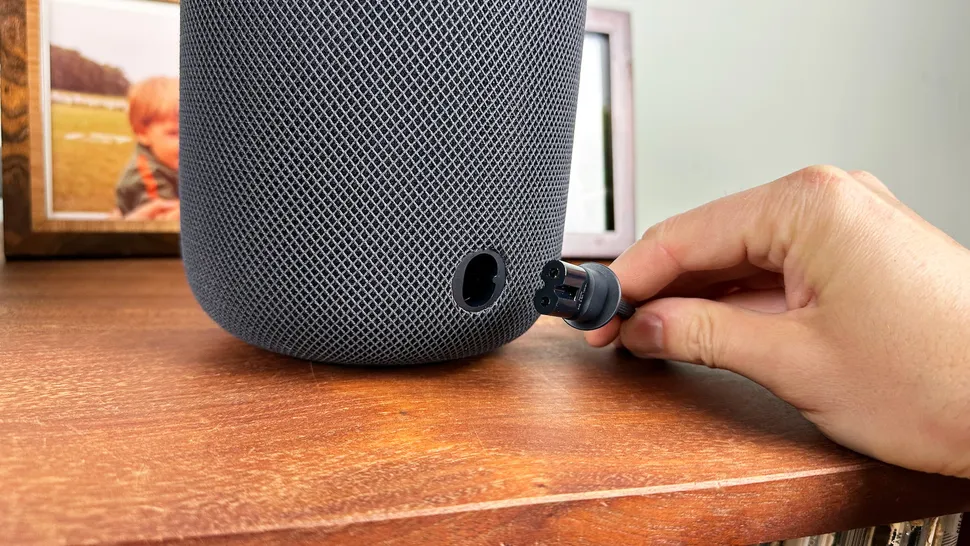
The removable power cable is a real improvement. So is the revised base, which appears to give the speaker a more secure footing than the first model. For a broader view on the tradeoffs, The Verge’s second-gen HomePod review lands in a similar place.
What changed from the first HomePod
The outside didn’t change much, but the useful bits did. The cable now detaches, the top display area is more vivid, and the base is better sorted.
Inside, Apple cut the tweeter count from seven to five and the microphone count from six to four. That sounds like a downgrade until you factor in the S7 chip and the heavier use of computational audio. For you, that means the newer model relies more on software and room sensing than brute-force hardware count. The result is better than the numbers suggest.
Sound Quality
This is where the HomePod 2 earns its keep. The bass is bold, deep, and better controlled than the first generation. It has weight, but it doesn’t feel like a loose subwoofer stuffed into a fabric ball. Low-end notes hit with confidence, and the speaker keeps that punch even at lower volume.
The tuning is also more balanced than before. Vocals sit cleaner in the mix, and the overall sound feels more even from top to bottom. Mids are decent, though not perfect. On some tracks they can sound a bit thin, and the treble can turn sharp if the recording is already bright or your room is lively.
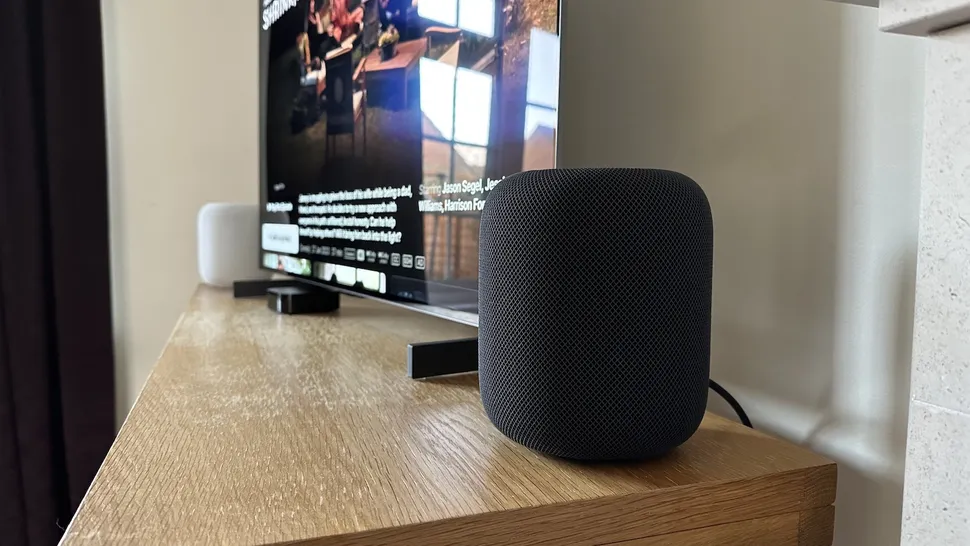
Where the HomePod 2 stands out is its room correction. Move it closer to a wall and it adjusts fast, often trimming bass so the sound stays in check. That’s not a party trick, it’s useful.
One speaker sounds full and room-filling. Two speakers are a different story. Imaging snaps into place, the stage gets wider, and Dolby Atmos music feels more open. If you care about music first, this is the version of the product you want.
Why two HomePods sound much better than one
A single HomePod gives you scale. A pair gives you left and right, better focus, and a much clearer sense of space. Instruments stop piling on top of each other.
That matters for movies too. Dialogue placement improves, effects stretch wider, and the whole setup feels less like a smart speaker and more like a compact system. The case for buying two isn’t hype, and The Verge’s note on stereo pairing makes the same point.
ANC
ANC doesn’t apply here. This is a home speaker, not a set of headphones. What matters is room tuning, placement, and how evenly the HomePod 2 fills your space.
Mic Quality
The four far-field microphones are built for Siri, intercom use, and sound recognition. They aren’t here for headset-style call testing, so you shouldn’t judge this speaker like a pair of earbuds.
For voice commands, though, performance is strong. The HomePod can usually hear you across the room, even with music playing loudly. That’s one of the more useful parts of the product. You don’t need to stand over it and bark commands. You speak normally, and it tends to keep up.
Features
The feature set is broad, but the best parts are the ones you keep using after week one. Spatial Audio and Dolby Atmos support are here, and they sound more convincing with a stereo pair. Automatic room correction is always working in the background, which matters more than a long settings menu.
You also get stereo pairing, multi-room audio, Handoff from iPhone, control in the Home app, and support for Matter and Thread. The built-in temperature and humidity sensors add more value than you’d expect, especially if you already use Apple Home. Sound recognition can also alert you if it hears smoke or carbon monoxide alarms.
What you don’t get is a traditional manual EQ. Apple wants the speaker to tune itself, and mostly it does a good job. If you’re a Spotify or Tidal user, the weak spot is voice control. Apple Music gets the best direct, voice-first experience, while other services lean more on AirPlay. Early sound impressions from The Verge also pointed to the same thing: the processing matters as much as the hardware.
Smart home features that add value beyond music
This speaker can do more than play playlists. If your room gets hot, you can trigger a fan. If humidity drops, you can run a humidifier. If the sun bakes your living room, you can lower blinds.
That only pays off if you already use Apple Home, but if you do, the HomePod 2 becomes more than a speaker.
Connectivity & Controls
The HomePod 2 is strong where Apple is strong, and restricted where Apple is restrictive. You get Wi-Fi, AirPlay 2, U1-based Handoff, top touch controls, Siri voice control, stereo pairing, and multi-room playback.
You do not get a 3.5 mm input. You do not get standard Bluetooth speaker freedom. Yes, Bluetooth is onboard, but this is not the speaker you buy for cross-platform flexibility or random device pairing. That’s one of the biggest tradeoffs here. If that’s your priority, you’re better off looking at something from a best budget Bluetooth speakers 2026 roundup instead.
Battery Life & Charging
Battery life doesn’t apply. The Apple HomePod 2 is a wired speaker. The power-related detail that matters is the removable cable, which makes placement easier than before.
Room Performance
This speaker is smarter about placement than most of its rivals. It listens to reflections, reads the room, and adjusts in real time. Put it near a wall and it often pulls bass back before things get boomy.
That said, good placement still matters. A kitchen counter works well. A living room shelf works well too. A desk can work, but it may sound oversized at close range. Pair two with an Apple TV 4K and you can build a compact TV setup with better musicality than many people expect. If your main goal is movie sound first, though, a list of the best soundbars 2026 is still the smarter place to compare options.
Price & Value
At $299, the HomePod 2 sits in an awkward but honest spot. It’s not cheap, and it doesn’t try to be. What you’re paying for is sound quality, smart room tuning, solid build, and deep Apple integration in one box.
That value looks good if you already use an iPhone, Apple Home, and maybe Apple Music. It looks weaker if you want wider streaming support, better platform freedom, or the most neutral sound for the money. The harder question is whether you want one or two. A stereo pair costs $598, and that’s where this product sounds most convincing.
Who is it for?
Buy it if
- You already use an iPhone, Apple Home, or other Apple gear every day.
- You want easy multi-room audio without fiddly setup.
- You care about strong bass and room-aware sound.
- You like the idea of built-in temperature, humidity, and alarm detection.
Skip it if
- You use Android or Windows and want easy setup.
- You want normal Bluetooth speaker freedom.
- You rely on Spotify or Tidal voice control.
- You care more about maximum value or flatter, more traditional tuning.
FAQs
Is Apple HomePod 2 still worth buying in 2026?
It is, if you’re already deep in Apple’s ecosystem. You get rich, room-filling sound, smart room correction, and easy setup, but the value drops fast if you use Android or Spotify.
Does a single HomePod 2 sound good enough alone?
A single unit sounds strong, clean, and surprisingly full for its size. Still, you hear the real jump in imaging, scale, and Atmos performance when you use two.
How good is HomePod 2 sound compared with rivals?
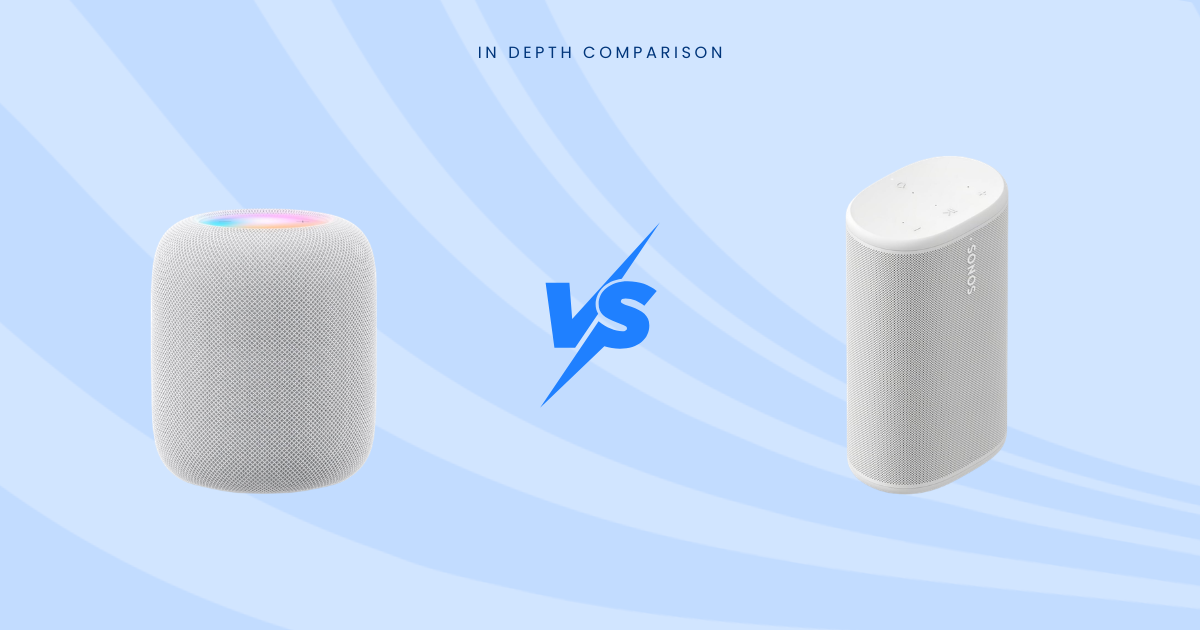
You get tight bass, clear vocals, and a spacious presentation that works especially well with Apple Music and Dolby Atmos. Sonos Era 300 still sounds bigger and more open.
What are the biggest HomePod 2 limitations in 2026?
The limits are the same ones that matter most: Apple-only setup, no proper Bluetooth speaker mode, weak voice support for Spotify, and a price that makes one speaker harder to justify.
Does HomePod 2 work well with Spotify and Android?
Not really, at least not in the best way. You can send audio over AirPlay from Apple devices, but Android support is poor and Siri still doesn’t natively control Spotify well.
Is HomePod 2 better as a stereo pair?
Yes, and that’s where it starts making more sense. Two HomePods add better separation, stronger scale, more convincing Atmos, and a much more serious TV audio experience.
Can HomePod 2 replace a soundbar for your TV?
It can, if you pair two with an Apple TV 4K. In a smaller room, that setup gives you fuller, more musical TV sound than many basic soundbars.
Has Apple updated HomePod 2 hardware for 2026?
No major 2026 refresh exists right now. The current HomePod 2 is still the 2023 model, while most recent rumor chatter has focused more on a future HomePod mini update.
What smart home features make HomePod 2 more useful?
You get temperature and humidity sensors, Matter support, Thread border router support, and smoke or carbon monoxide alert recognition. If your home runs through Apple Home, that’s genuinely useful.
What’s the best reason to skip HomePod 2 entirely?
Skip it if you don’t use an iPhone, don’t subscribe to Apple Music, or want open compatibility. HomePod 2 sounds great, but it keeps you on a pretty short leash.
Final Verdict
The Apple HomePod 2 is easy to like and easy to disqualify. You get rich bass, smart room tuning, polished build quality, and some of the best Apple ecosystem integration in this category. You also get firm limits around setup, streaming habits, and platform freedom. If you’re already inside Apple’s system, it’s a strong buy, and a stereo pair is where the sound starts to feel complete. If you’re outside that system, the smart move is usually to keep shopping.